Storyboards and concept teams
A writer needs a quick visual draft from a setting, subject, camera move, and atmosphere.
A prompt-led clip makes the idea easier to review before a full storyboard is produced.
vidu image to videoPrompt to video
Describe a shot, action, or visual mood and turn the idea into a draft video. This guide helps you write clearer prompts, compare inputs, and review the result before sharing it.
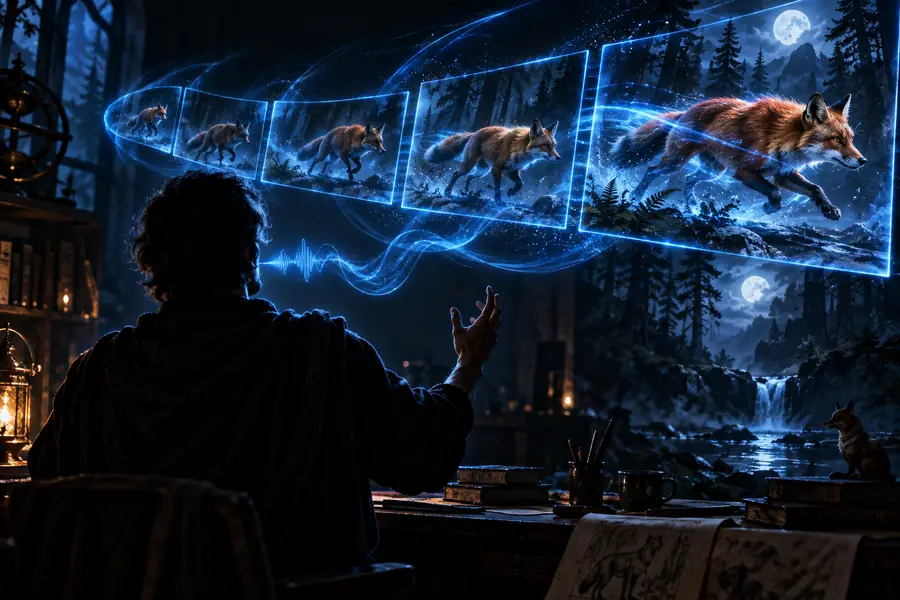
Choose your starting point
Text is useful when the scene exists only as an idea. Other input routes are better when you already have a visual reference, character, or composition to preserve.
A writer needs a quick visual draft from a setting, subject, camera move, and atmosphere.
A prompt-led clip makes the idea easier to review before a full storyboard is produced.
vidu image to videoA marketer wants to explore several short product scenes without preparing finished footage first.
Text variations help compare moods, environments, and movements during early concept work.
reference to video ai freeA creator has a written shot list but no usable plate for a transition or establishing shot.
A concise prompt can produce a visual starting point for editing, pitching, or further iteration.
vidu image to videoA creator wants to test a scene idea before gathering references or filming a performance.
The generated draft reveals whether the action, framing, and pacing are understandable on screen.
reference to video ai freeCompare the inputs
A written prompt gives you flexibility, but it does not carry the exact visual information found in a source image or reference clip. Use the side-by-side view to choose the right route.
Text prompt
A written description of the scene and action
Visual reference
An image or reference visual to guide the output
Text prompt
Suggested through framing, lens, layout, and camera language
Visual reference
Anchored by the supplied visual composition
Text prompt
Depends on consistent descriptive wording
Visual reference
Can begin from visible appearance and pose
Text prompt
High; new scenes can start from a blank idea
Visual reference
More constrained by the source material
Text prompt
Small wording changes may alter subject, action, or mood
Visual reference
The visual anchor can reduce some ambiguity
Text prompt
Must be stated clearly with timing and camera movement
Visual reference
Still needs instruction, but the starting pose is visible
Text prompt
Exploration, story concepts, and unseen environments
Visual reference
Controlled variations of an existing look or subject
Inspect the result
A useful review compares the intended prompt with the rendered scene. Look for subject identity, action, camera movement, lighting, and any details that changed during generation.
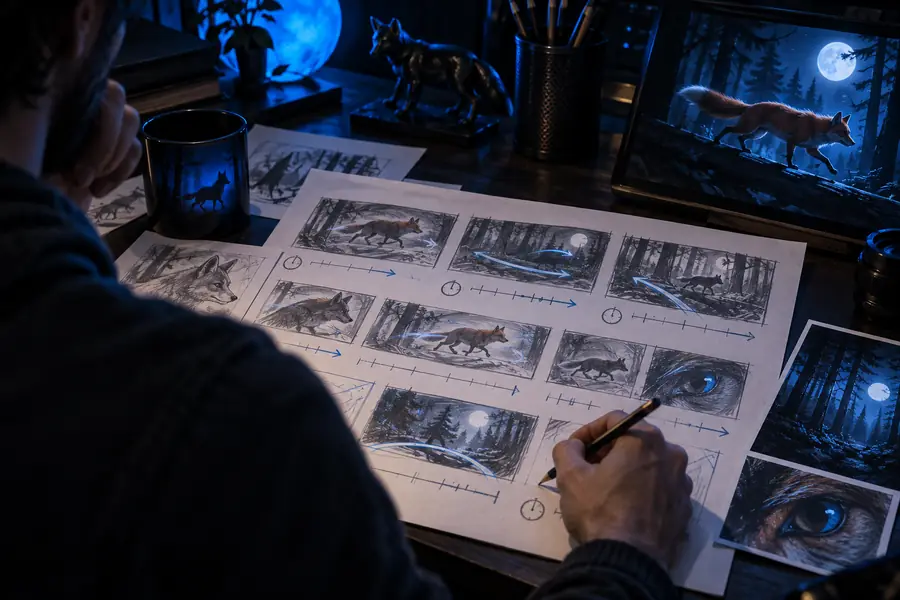
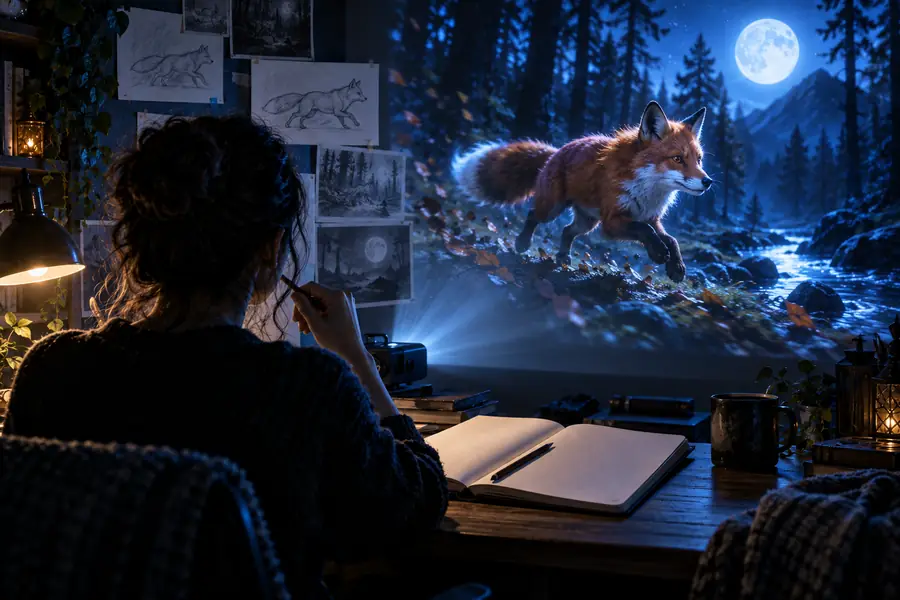
The result is an interpretation, not a frame-by-frame promise.
Review before export
Treat the first result as a draft. A short inspection pass helps you separate prompt problems from generation limits and tells you what to change next.
Check whether the subject appears as requested and whether the opening and ending frames avoid sudden changes.
Watch hands, faces, objects, and camera movement for drift, warping, or actions that do not match the prompt.
Mark which details are essential, simplify conflicting instructions, and rewrite the prompt around one clear action.
Know the boundaries
Text-driven generation is useful for exploration, but a generated clip should not be treated as exact production footage without review.
The model may change object placement, proportions, or background details even when the prompt is specific.
WorkaroundDescribe the main subject and camera action first; use a visual reference when composition must stay stable.
Several movements, interactions, or scene changes in one prompt can produce inconsistent timing or incomplete actions.
WorkaroundSplit a complex sequence into shorter shots with one dominant action per prompt.
Readable text, logos, fingers, and fine product features may appear distorted or change between frames.
WorkaroundKeep critical text out of the generated shot or add it later in an editor.
A visually pleasing result can still miss the brief, imply the wrong action, or contain continuity problems.
WorkaroundWatch the full clip, compare it with the brief, and revise before publishing or presenting it as final.
Variant FAQ
It is a prompt-led workflow for turning a written description into a short video draft. You describe the subject, action, setting, style, and camera movement, then review the generated interpretation.
Start with one clear scene and describe the main action before adding optional details such as lighting or camera movement. Generate a draft, inspect the result, and revise the wording when an important detail is missing.
The relevant creation route is represented in the site structure by the text-to-video path. Availability, interface labels, and access conditions can change, so confirm the current route before preparing a larger batch of prompts.
Neither route is always better. Text is more flexible for exploring an idea from a blank page, while an image or reference gives the generation a visible starting point for composition, appearance, or continuity.