Concept artists
You have a scene in mind but no footage, so you describe the subject, setting, action, camera movement, and mood.
A generated clip gives you a fast visual direction for storyboards, pitches, and early reviews.
vidu ai kissVIDEO CREATION
The vidu ai video generator turns a written idea, source image, or visual reference into a short video concept. Start with a focused prompt, then refine motion, framing, and consistency.
A strong result begins with the right input. Choose the route that matches your starting material, then keep the creative brief specific enough for motion and composition.
You have a scene in mind but no footage, so you describe the subject, setting, action, camera movement, and mood.
A generated clip gives you a fast visual direction for storyboards, pitches, and early reviews.
vidu ai kissYou have a product image and want a short reveal, turntable, or atmospheric lifestyle moment without filming a full setup.
An image-led starting point can add motion while preserving the main product shape and visual identity.
vidu ai kissYou need a short vertical-friendly idea with a clear action, expressive movement, or visual hook for a post.
Prompt-first generation helps you test several concepts before choosing one to edit into a finished social asset.
vidu ai kissYou want to explore how a character, environment, or camera move might play before committing time to production.
Reference-led generation can make an early sequence easier to discuss with directors, editors, and clients.
vidu ai kissThe workflow is simple, but each stage affects the next. Treat the first generation as a visual draft, then improve the instruction instead of adding unrelated details.
Begin with text when the scene is still conceptual. Use an image when composition, wardrobe, product form, or a particular visual style needs to anchor the result. A reference is useful when character or subject continuity matters across the shot.
Describe one main action and one camera idea, such as a slow push-in, lateral track, overhead reveal, or gentle handheld movement. Include the subject, location, lighting, pace, and aspect preference, but avoid packing several unrelated events into one request.
Check whether the subject stays recognizable, the motion follows the prompt, and the opening and ending frames are usable. If something fails, change one variable at a time so you can tell which instruction improved the clip.
There is no single best input mode. Match the option to the material you already have and to the kind of control the shot requires.
Best for creating a scene from a blank page. It offers broad creative freedom, but exact characters, products, logos, and spatial layouts may drift between generations.
WorkaroundDescribe the subject and action in plain language, then use an image or reference when identity matters.
Best when the first frame, product silhouette, or illustration style must remain central. The model still has to invent plausible movement, so fine details can wobble during animation.
WorkaroundUse a clean, well-composed source image and ask for one restrained motion rather than a crowded sequence.
Best when a recurring subject or visual relationship needs stronger guidance. It can improve continuity, but it does not guarantee a perfect match in every frame or shot.
WorkaroundKeep reference material consistent and generate short scenes that can be selected and edited together.
Best for testing concepts quickly, not for replacing a complete production pipeline. Generated clips may need editing, sound, captions, color work, and rights review before publication.
WorkaroundExport the strongest takes and finish them in your normal editing workflow.
Generated video is strongest when the request has one clear subject, one dominant action, and a manageable camera move. The comparison below represents the difference between a vague starting brief and a directed visual brief.
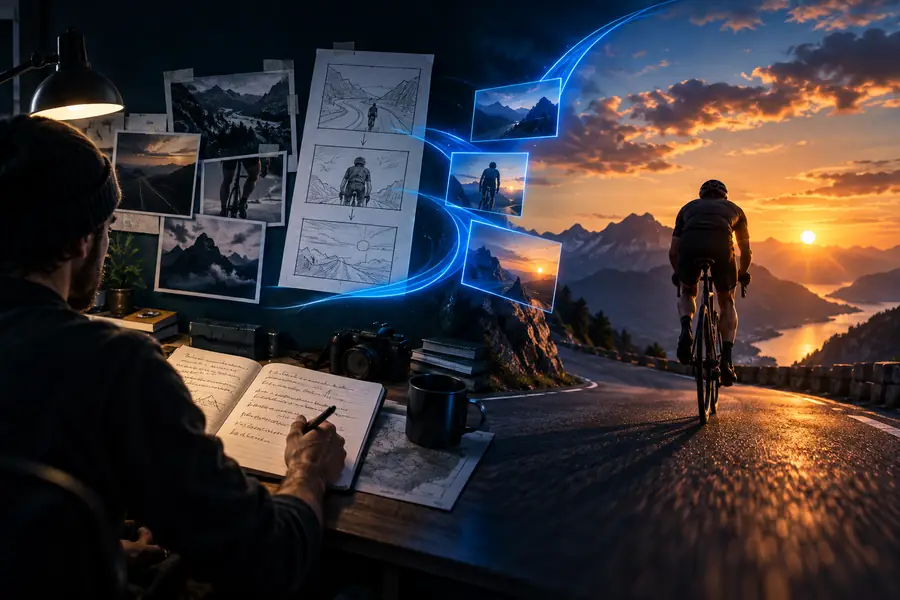
A clearer brief usually creates a more usable first pass, but every generation remains probabilistic.
Use this simple planning widget to estimate how many short generations fit into a review session. It is a planning aid, not a promise of exact render time or output quality.
These answers address the main questions people ask when searching for a Vidu AI generator.
It is an AI video creation workflow that can produce short clips from text prompts, images, or visual references. The input you choose determines how much creative freedom you have versus how much the starting composition guides the result.
It can create short visual scenes such as character actions, product moments, cinematic environments, and concept footage. Results are best treated as generated clips that may still need selection, editing, sound, captions, or continuity work.
Use text when you are exploring an idea from scratch, an image when the opening composition or subject appearance matters, and a reference when consistency is the priority. A focused prompt with one main action usually gives the model a clearer task.
AI video can struggle with complex choreography, multiple simultaneous actions, small details, text, logos, and exact identity preservation. Simplify the scene, reduce the number of moving elements, improve the source image, or revise one instruction at a time.
It can provide useful shots for social posts, pitches, storyboards, and creative experiments, but it is not automatically a complete production pipeline. Review each clip for visual errors, continuity, rights, and suitability before publishing.